> ## Documentation Index
> Fetch the complete documentation index at: https://plain-create-thread-thread-fields.mintlify.site/llms.txt
> Use this file to discover all available pages before exploring further.
# Quickstart
> Everything you need to start using Plain.
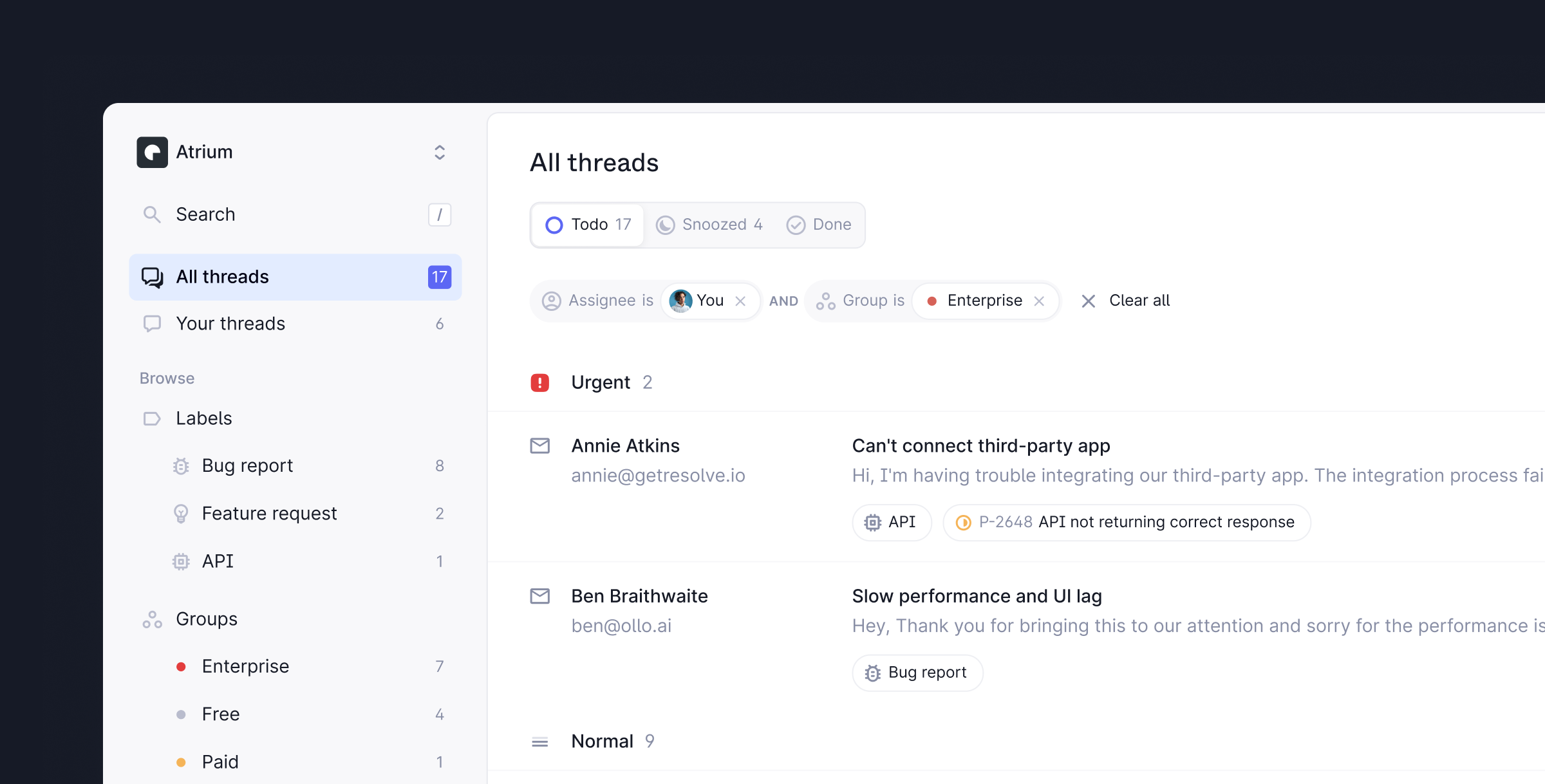
Plain is the support platform for B2B technical teams. Everything you need to help your customers in a modern, fast, and opinionated platform.
This quickstart will walk you through how to start helping customers and get the most out of Plain.
### The basics
Everything within Plain happens in a workspace. To create a workspace for your team, sign up at [https://app.plain.com](https://app.plain.com) and click **Create a workspace**.
There are three ways to receive questions in Plain – email, contact forms or Slack.
**Email** – When you create a workspace you will be guided through email set-up automatically. For more information on how it works [check out the docs](/email/)
**Contact forms (Optional)** – Forms are a great way to offer support at scale. Use [these instructions](/contact-forms/) to set up a form or a floating widget.
**Slack** - Our Slack integration lets you sync messages from selected Slack channels to Plain and respond directly to customers from the platform. [Find out more here](/slack).
To add team members to your Plain workspace and assign roles, navigate to **Settings** →
**Members** in your workspace. You can add your entire team to Plain for free - we'll only charge
you for users that actively send messages to customers.
To be notified of new support requests, [set up notifications](/notifications).
We recommend, as a minimum, setting up one shared Slack or Discord channel where new support requests are posted. We also recommend setting up personal notifications so you can be notified of new replies and activity on threads you are assigned to.
[Connecting your Linear workspace](/linear) to Plain will let you quickly and seamlessly log bugs and feature requests to Linear without leaving Plain and then close the loop with the customer once they're completed.
You can connect to Linear from **Settings** → **Linear**.
### Speed up your workflow
Labels are a lightweight but powerful way to categorize threads in Plain. You can configure the labels that make sense for you in **Settings** → **Labels**.
[**Add labels**](/labels/)
Snippets are templated messages that allow you to pull common language to message customers more
quickly. You can configure them in **Settings** → **Snippets**
[**Set up snippets**](/snippets/)
We make it easy to fly through your workflow without ever needing to use a mouse. Learn about our
keyboard shortcuts here. We've also added hints throughout the app on which keyboard shortcuts to
use.
[**View all shortcuts**](/shortcuts/)
### Adding context
To provide support more quickly, get more context into Plain from your own systems.
Customer cards let you show live information from your own systems in Plain. This lets you bring important, business-specific context to Plain and makes it even easier to help customers without jumping through different tabs.
[**Set up customer cards**](/customer-cards/)
Events let you log important customer actions, errors, releases, and other key events to Plain. This gives you the full picture in the context of a support request as to what happened and why.
[**Set up events**](/events/)
Plain is built API first so that you can build countless other use cases into your support stack.
[Learn more about our API](/api-reference/graphql/) and make your first API call.
### Feedback & questions
If you have any feedback on our docs, we'd love to hear it! Open an issue straight in [Github](https://github.com/team-plain/docs) or drop us an email
at [help@plain.com](mailto:help@plain.com) and an engineer on the team will help you.